

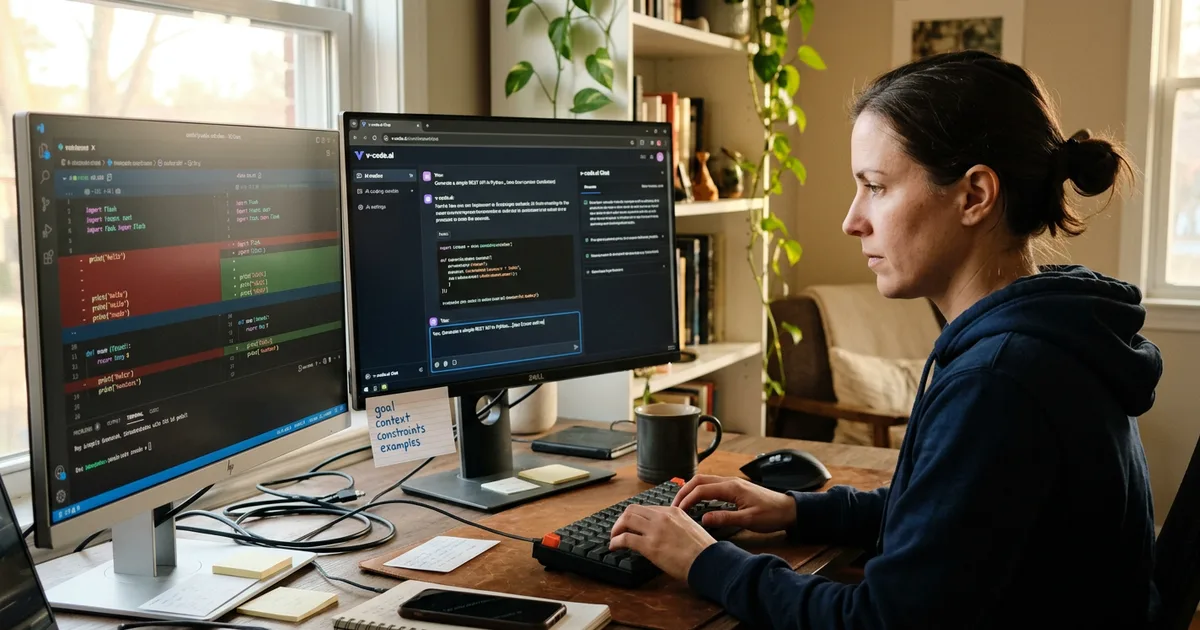
A clear prompt for an AI coding tool states the goal in one sentence, then adds the context the tool cannot see, the constraints it must respect, and at least one concrete example of the input and output you expect. GitHub's own guidance describes the shape as starting general and then getting specific: a broad description of the scenario first, followed by the specific requirements. The reason vague prompts fail is not that the model is weak, it is that the gaps get filled with assumptions, so "build a login form" produces code that looks right and matches nobody's stack. Everything else worth doing follows from that: keep the slice small enough to review, show the pattern with an example or a test rather than describing it, say what you do not want, and rewrite the prompt rather than arguing with the output.
Start general, then get specific
The most useful piece of published guidance on this is also the shortest. GitHub’s prompt engineering documentation tells you to give a broad description of the goal or scenario first, then list the specific requirements. Their worked example is a prime number check: write a JavaScript function that tells me if a number is prime, the function should take an integer and return true if the integer is prime, and it should error if the input is not a positive integer.
Read that in order and you can see why it works. The first sentence tells the model what kind of thing it is producing. The sentences after it narrow the space until only a small number of reasonable implementations are left. Reverse the order and the model spends the first half of your prompt guessing at the frame, which is the same problem as walking into a meeting and starting with the third bullet point.
The failure this prevents is well described in Builder.io’s guide to coding prompts: most developers have asked an AI to build a login form and received code that looks right but does not match their tech stack, their component library or their team’s standards. Ask for “a dashboard component” and the tool has no idea whether you use React or Vue, Tailwind or styled-components. It will pick something, and it will pick confidently.
The four things a prompt has to carry
Different guides use different labels, but they converge on the same four parts, and it is worth writing prompts against them until the structure becomes habit.
- Goal. The outcome, in one sentence, before any talk of implementation. “Users on the free plan should not be able to open the export endpoint” is a goal. “Add a check to exportHandler” is already an implementation, and a worse one than the model might have chosen.
- Context. The file, function, API, schema or convention that matters. This is the part the tool cannot infer and the part you are most likely to skip, because you already know it.
- Constraints and non-goals. What not to do. No new dependencies. Do not change the public signature. Do not touch the migration files.
- Examples. An input and output pair, a sample payload, or a failing test.
Graphite’s guide to prompts for code generation pushes the technical half of that further: name the language and the algorithm, the thing you are optimising for, the error handling you expect, and one edge case worth considering. It also stresses environment specificity, saying that if the target environment, API version, performance or security requirements matter, they belong in the prompt, with examples as concrete as “Node.js 18 server environment” or “Python 3.10+”. Graphite’s guide notes that Microsoft’s Developer Tools research group observed that prompts with explicit specifications reduced the need for back-and-forth refinements. Treat that as a directional finding rather than a precise benchmark, but it matches what anyone who has done this for a week already suspects.
The trade-off is real, and worth naming. A prompt written to this structure takes two or three minutes to write instead of ten seconds. You are moving the thinking earlier rather than removing it. If the task is throwaway, that is a bad deal. If the output is going anywhere near a branch you intend to merge, it is the cheapest part of the whole exercise.
Put the project’s conventions somewhere permanent
Repeating your stack in every prompt is tedious, and tedium is how good habits die. The better move is standing context that the tool reads every time.
Cursor’s rules files do this, and the community guidance around them is consistent: a project overview describing what the software is, the problem it solves, the stack, the architecture and the trade-offs already made turns vague prompts into on-target suggestions, because the tool stops behaving like a code generator and starts behaving like someone who knows what you are building. Claude Code uses a project file for the same purpose, as described in Claude Code best practice write-ups. Which mechanism you get depends on the tool, and the differences between them are covered in the vibe coding tool landscape.
Whatever the file is called, the content is the same job: framework and version, key libraries, the patterns your team has already built and expects to be reused, the things that are off limits. The contrast Builder.io draws is between “build a login form” and “build a React login form using our AuthContext, styled-components tokens, and Formik validation”. Standing context is how you get the second one without typing it out forty times.
Show the pattern rather than describing it
Examples are the highest-leverage thing you can add, and the most commonly left out. Microsoft’s training material on creating effective prompts for GitHub Copilot calls examples one of the most effective ways to communicate intent, and says you can supply example input data, expected outputs, and even example implementations. Their illustration is a function that finds dates in a string: rather than describing the variety of formats in prose, you list them, 05/02/24, 05/02/2024, 5/2/24, 5/2/2024, 05-02-24, and the ambiguity disappears.
The strongest version of this is a test. GitHub’s guidance suggests generating unit tests for a function before writing the function, then asking for an implementation described by those tests. Done well, the test is the specification, the prompt is short, and you get an executable check on the result instead of an opinion about it.
There is a catch, and it is the same catch that runs through all of this. A test you did not read is not a specification, it is a second piece of unreviewed code that happens to agree with the first. If you let the tool write both the test and the implementation and you read neither, you have automated your own approval.
Keep each slice small enough to review
GitHub’s best practices put task decomposition first: break complex tasks into multiple simple, small ones. The Claude Code guidance says the same thing and adds the reason that matters most. Reviewing, running the tests, then moving to the next slice keeps prompts easy to correct, and it keeps the resulting diff small enough for a human to actually read.
That is the connection between prompt writing and everything else on this site. A prompt scoped to one behaviour produces a diff of a few dozen lines that you can read in a minute. A prompt scoped to “add authentication” produces a change across a dozen files that nobody reads properly, which is exactly how Accept All becomes the weakest habit in the workflow. Prompt scope sets review scope, and review scope decides whether you end up owning the code or merely hosting it. Which diffs genuinely need reading line by line is a separate judgement, covered in when a change needs a line-by-line diff read.
Say what you do not want
Non-goals are underused and cheap. The model has no way of knowing that your team refuses to add another date library, or that the file you are editing is generated, or that the endpoint’s response shape is consumed by a mobile client you cannot redeploy this quarter.
The GitHub blog’s advice on writing better prompts includes a refinement that is worth stealing verbatim as a pattern: “That code uses an external library, rewrite it using only Python’s standard library.” Said up front, it is a constraint. Said afterwards, it is a second round trip. Constraints on dependencies earn their keep twice over, because packages an AI has invented are one of the recurring security flaws worth looking for in generated code.
Rewrite the prompt instead of arguing with the output
When a response is wrong, the instinct is to correct it in conversation. Sometimes that works. Often the original ambiguity is still sitting in the context, and you spend four messages negotiating with an assumption you could have deleted in one.
GitHub’s own guidance is to rephrase the prompt, or break the request into smaller prompts, when the response is not helpful. Their honesty about this is useful: in one case study of building a p5.js drawing, they iterated to make the prompt more specific and still did not get the exact result they wanted, which they offer as a reminder that adding specificity is harder than it sounds. That is the right expectation to hold. Prompting is a loop, not a spell, and knowing when to clear the context and start again is part of the skill. How that loop actually operates, from prompt to model to generated change, is set out in how vibe coding works.
Where a good prompt stops helping
A well-written prompt raises the odds that the first output is close. It tells you nothing about whether the output is correct, safe, or the same as what you asked for. Those are separate instruments: running the code, reading the change, tests, static analysis, secret scanning.
This is the line between prompting well and vibe coding as the term was actually defined. Community write-ups on moving from vibe coding to disciplined agentic work, such as this one on Claude Code practice, describe vibe coding as one-shot prompting with no plan, no review and no tests, which works for prototypes and breaks at production scale. A better prompt makes a prototype arrive sooner. It does not turn an unreviewed change into a reviewed one, and the measured gap between those two things is the subject of the cost of not reading AI code diffs.
So the honest framing is narrow and useful. Prompt clarity is a throughput improvement. It reduces rounds, it reduces rewrites, and it makes diffs small enough that review is a minute rather than an afternoon. The guardrails still have to exist separately, and the rest of them are set out in vibe coding best practices.
Written with AI assistance and reviewed under our editorial policy. Vibe coding changes quickly; details reflect sources current on 2026-09-06. Some passages are the author's opinion. Spotted an error? tell us.
Frequently asked questions
- How long should a coding prompt be?
- Long enough to carry the goal, the context, the constraints and one example, and no longer. In practice that is often three to six sentences, because the standing project context lives in a rules or project file rather than being retyped each time. Length is not the measure; a short prompt with an attached failing test beats a long one full of prose.
- Should I tell the tool to act as a senior engineer?
- Role framing appears in most prompt structures, including Tom Taulli's context, instructions and content model, where context specifies the role the AI is to play. It is cheap to include and sometimes shifts the register of the answer. It is far less useful than naming your framework, your version and one concrete example, so do not let it substitute for those.
- Is it better to write the tests first or the code first?
- GitHub's guidance suggests generating unit tests for a function before the function itself, then asking for an implementation described by those tests. That gives you a specification you can execute rather than an opinion about correctness. It only helps if you read the tests, because a test you have not read is just a second unreviewed file.
- Does a better prompt make the generated code safer?
- Not on its own. Naming your security requirements and forbidding new dependencies in the prompt removes some common failure paths, but prompt quality is not a verification step. Safety comes from reading the change, running tests, and automated checks such as static analysis and secret scanning in CI.